
One daily number
SumDay turns your monthly budget, fixed costs and savings goal into a single amount you can spend today.
Daily Budget
SumDay turns your monthly budget into a single amount you can spend today. Log expenses in a tap, scan receipts with AI, and let what you save roll over to tomorrow.
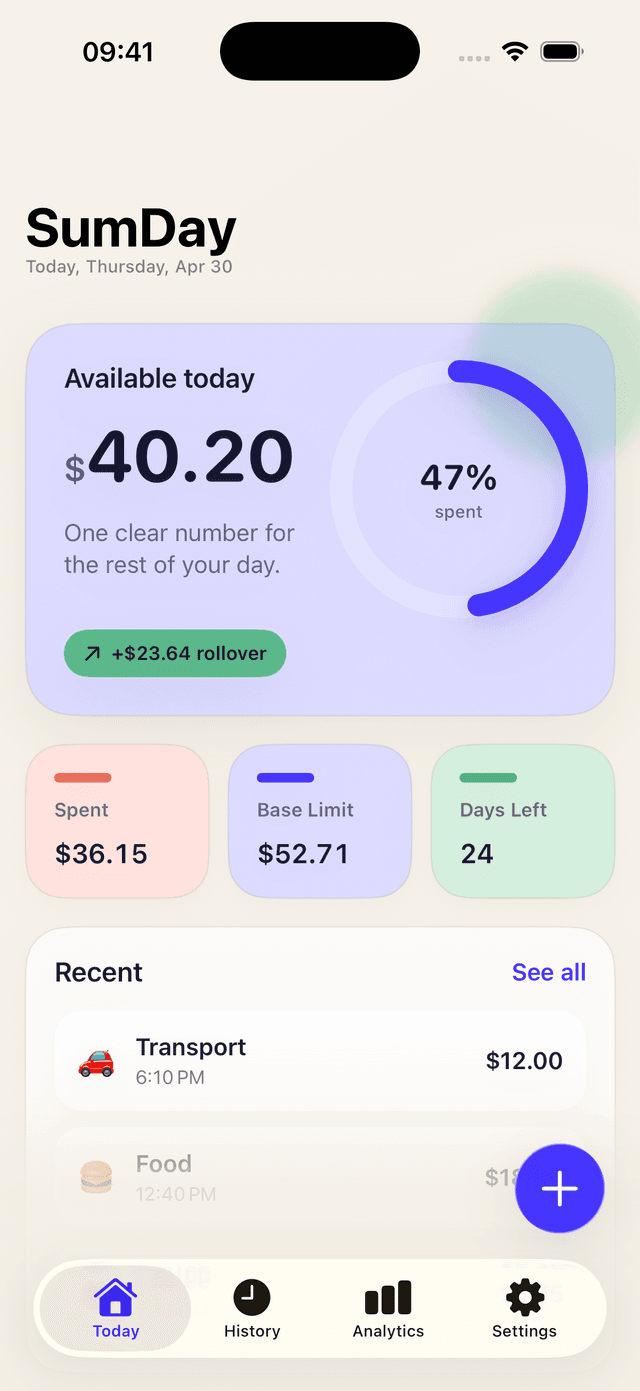
SumDay turns your monthly budget, fixed costs and savings goal into a single amount you can spend today.
AI reads the amount, merchant and category from a photo. You confirm — SumDay saves it. No typing.
A short, friendly note on how your week went. Patterns, not lectures — and you can ignore them any time.
Daily-spending bars, category breakdowns and a weekly/monthly view that shows the days you went over.
Spent less today? Tomorrow's limit grows. SumDay rewards every small win without making you do the math.
Transactions, budgets and notes stay on your device. No account, no cloud sync, no ads, no IDFA tracking.
A quick look at what the app feels like day-to-day.
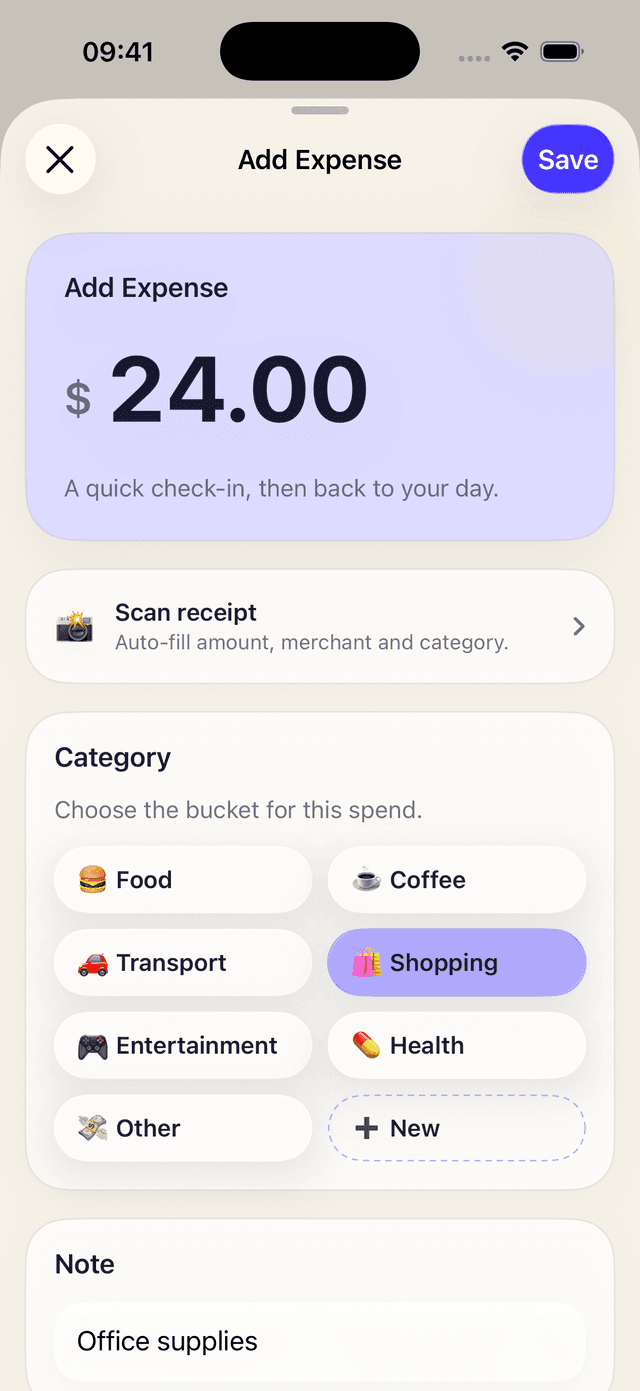
Add an expense in a tap — or scan the receipt.
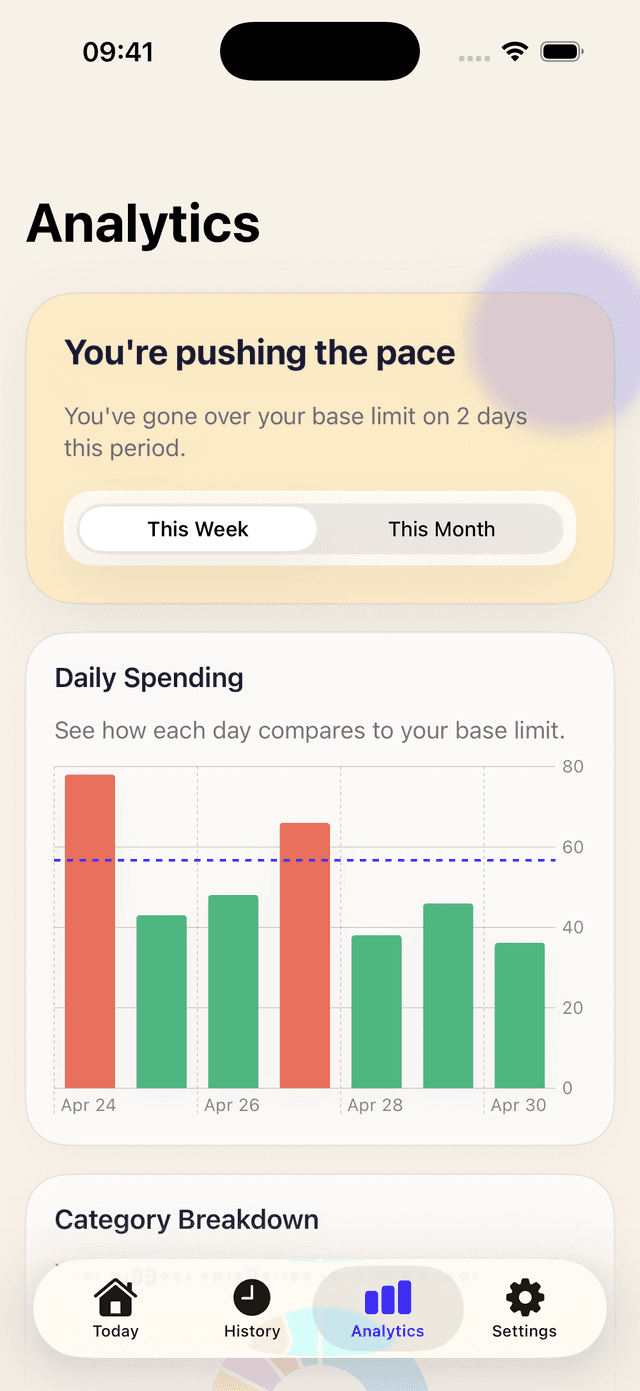
Daily bars highlight the days you went over.
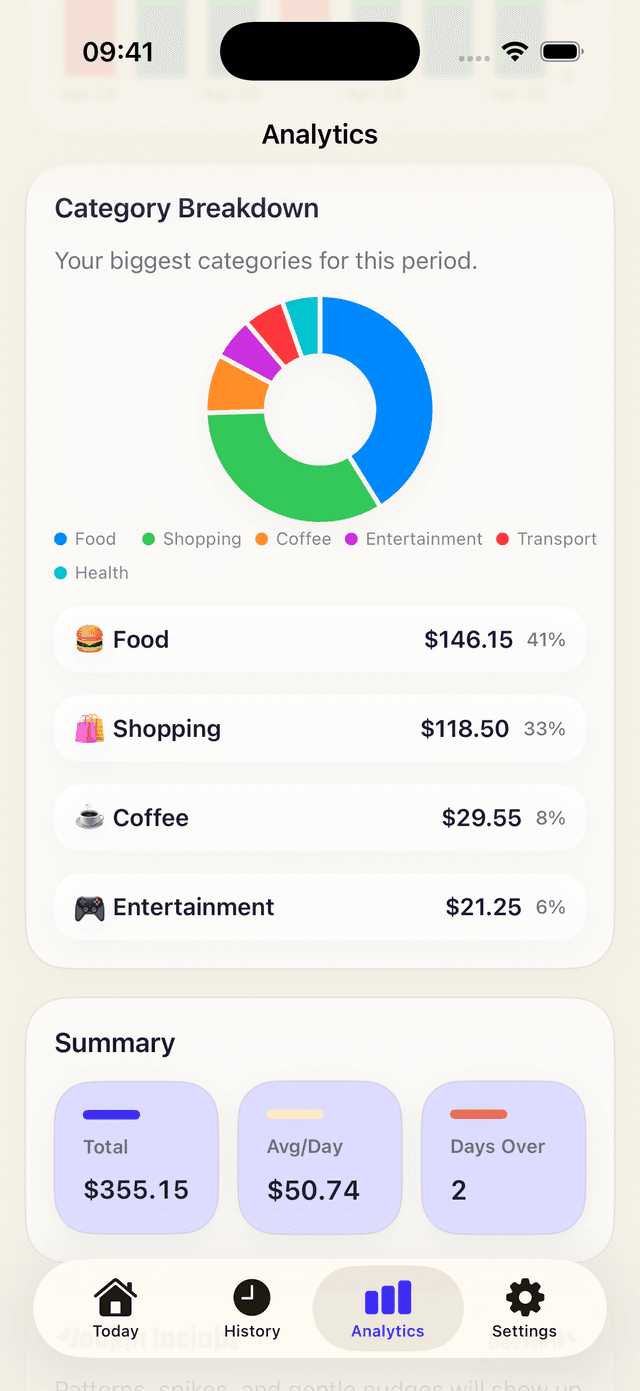
Category breakdown shows where it really goes.
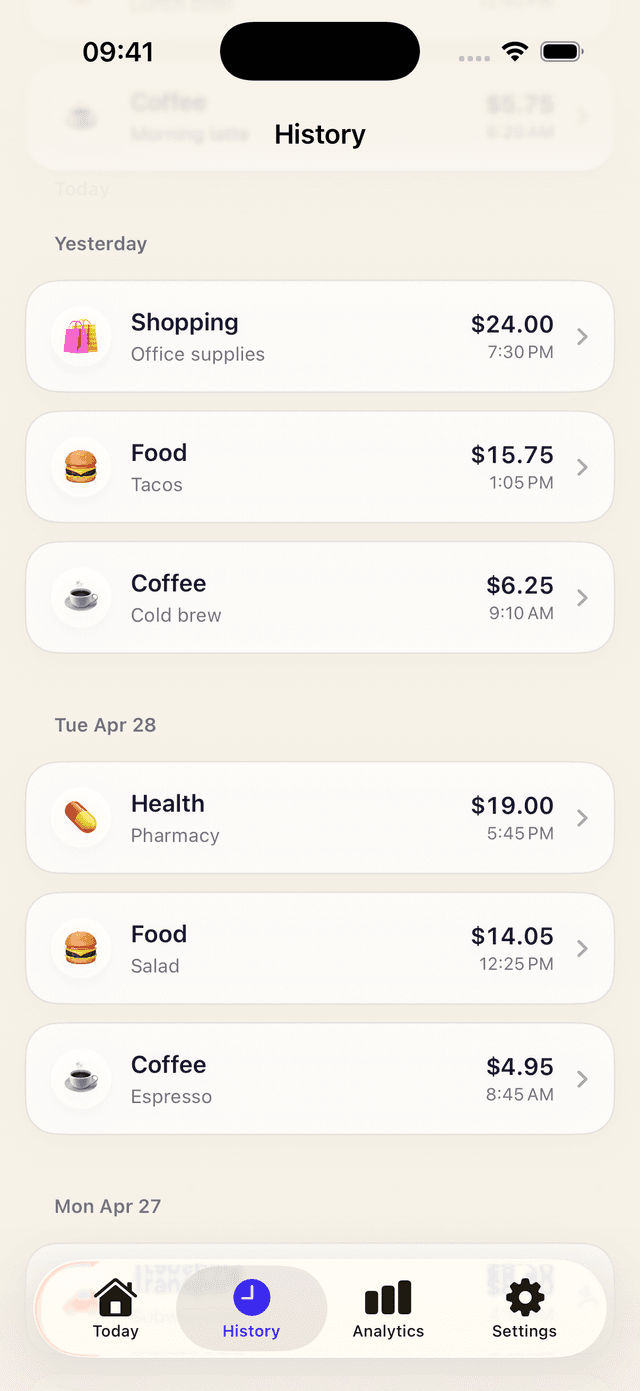
Every spend, in order — grouped by day.
Monthly income, fixed costs, savings goal. That's the whole setup — no bank link, no account.
Tap to log an expense, or scan a receipt and let AI fill in the amount, merchant and category.
Daily bars, category breakdown and weekly insights show where your money really goes — and what rolls over.